
Free Project Status Report Kit (PDF): Weekly & Monthly Executive Update Templates
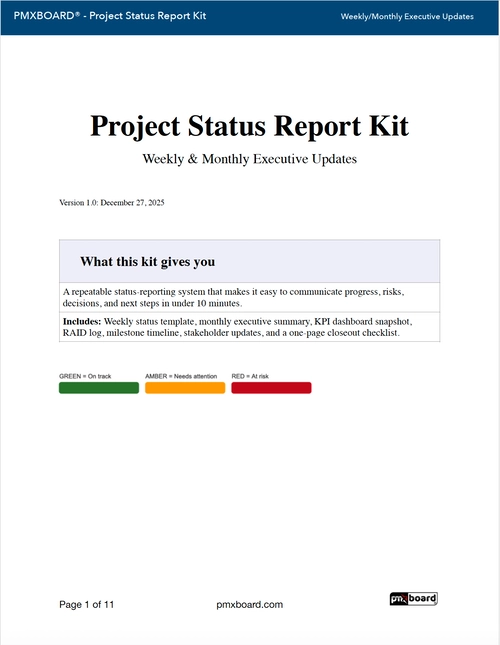
Executive stakeholders don’t need a 30-slide deck—they need clarity. If you’re tired of rebuilding a project status report from scratch every week, this Project Status Report Kit (Free PDF) gives you a repeatable format for weekly and monthly updates, including KPI snapshots, RAID tracking, and an action tracker.
What’s inside the Project Status Report Kit
- Weekly Project Status Report template (one-page, executive-friendly)
- Monthly Executive Update template (progress summary + forecast)
- KPI Snapshot (schedule, budget, scope, quality, delivery health)
- RAID sections (Risks, Assumptions, Issues, Dependencies)
- Decisions & Escalations (what leadership needs to unblock)
- Action Tracker (owners, due dates, next steps)
Who this kit is for
- Project managers who need a clean, repeatable status reporting rhythm
- PMOs standardizing reporting across multiple teams
- Project leads who need faster stakeholder alignment and fewer surprises
- Executives who want a single-page snapshot they can scan in 60 seconds
The goal: fewer surprises, faster decisions
A strong status report answers three leadership questions:
- Are we on track? (schedule + delivery health)
- What changed? (progress + forecast)
- What do you need from me? (decisions + escalations)
This kit is designed to keep those answers visible every cycle—without adding more meetings or more documentation.
How to use the kit (simple weekly cadence)
- Update KPIs first (schedule, budget, scope, quality, delivery health).
- Refresh RAID (only what matters—keep it lean).
- Write the narrative last (2–4 bullet progress points + forecast).
- Lock decisions & escalations (what leadership must unblock this week).
- Assign owners in the action tracker (no owner = no outcome).
Weekly vs monthly: when to use each template
Weekly status report
Use weekly reporting when you have active delivery work, shifting priorities, tight dependencies, or frequent leadership check-ins. The weekly template keeps execution pressure low by making the update fast and consistent.
Monthly executive update
Use the monthly template to summarize trend and trajectory: major milestones, key risks, budget posture, and forecast. This version is ideal for steering committees and portfolio reviews.
Common status report mistakes (and how this kit avoids them)
- Too much narrative: executives scan—use short bullets and clear sections.
- No decision asks: “FYI” reports don’t move work—include escalations and asks.
- Hidden risks: RAID keeps reality visible (without fear-based reporting).
- No follow-through: action tracker creates accountability and closure.
Download the Project Status Report Kit (Free PDF)
If you want a clean, executive-ready reporting format you can reuse every cycle, get the kit here:
Download the Project Status Report Kit (Free PDF)
FAQ
Is this a project status report template or a full reporting system?
It’s a practical kit you can run immediately: weekly and monthly templates plus KPI, RAID, decisions, and action tracking sections. It’s designed to be repeatable and easy to adopt.
Can I use this for multiple projects?
Yes. Many PMOs use the same structure across teams to standardize reporting and reduce stakeholder confusion. If you manage a portfolio, you can reuse the cadence and roll-up key highlights.
What should a good executive status update include?
At minimum: delivery health (schedule/budget), progress highlights, forecast, major risks/issues, and clear decision asks. This kit includes dedicated sections for each.
