
Project Action Tracker Toolkit: Owners, Due Dates & Definition of Done (Free PDF + Excel)
If actions are slipping, it’s rarely because people “don’t care”—it’s because ownership, due dates, and “what done means” were never made explicit.
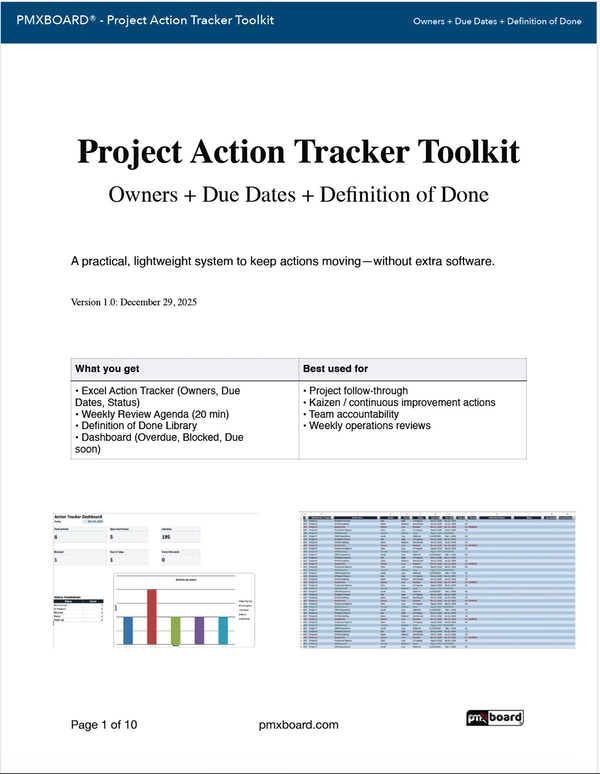
This free Project Action Tracker Toolkit gives you a clean, executive-friendly action tracker template plus a simple cadence to review and close actions consistently—without chasing people across email threads.
Why most action item logs fail (and what fixes it)
The toolkit solves this with a practical action item log structure and a lightweight review routine so actions don’t disappear between meetings.
What’s included in the Project Action Tracker Toolkit
- Action tracker page (owner, due date, status)
- Definition of Done prompts (remove ambiguity)
- Weekly review agenda (15–20 minutes)
- Simple rules that prevent “action bloat”
- Sortable action list (by owner, due date, priority)
- Status tracking (Open / In Progress / Blocked / Done)
- Notes + next-step clarity for follow-ups
- Clean format for easy copy/paste into updates
The simple weekly review cadence (use this every time)
You don’t need a bigger meeting. You need a consistent routine that forces clarity and decisions. Run this weekly (15–20 minutes):
- Review overdue actions first (decide: extend date, remove, or escalate).
- Confirm owner + due date for each open action (no “we,” no “ASAP”).
- Define “done” in one line (deliverable + acceptance).
- Unblock blockers (make a decision or assign a next action).
- Close the loop (mark done + capture outcome/notes).
Definition of Done examples you can copy
“Done” should describe a deliverable and a check (what proves it’s complete).
Done when: Sponsor reviews and confirms next milestone dates
Done when: Options compared and recommendation documented
Done when: Owner, due dates, and fallback plan are approved
Want a more visual workflow?
If your team works best with a visible board, pair these templates with a whiteboard-based system:
