
RAID Log Template: How to Track Risks, Issues & Decisions Without Losing Control
Many projects don’t fail because teams aren’t working—they fail because risks and issues stay invisible until it’s too late. A simple RAID log (Risks, Assumptions, Issues, Dependencies) fixes this by making reality visible and forcing ownership and follow-through.
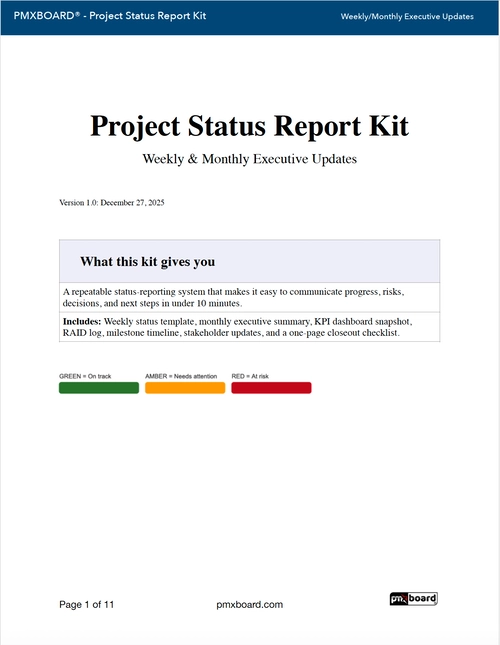
Want the templates ready to use? Download the free kit here: Project Status Report Kit (Free PDF)
What is a RAID log?
A RAID log is a structured way to track the items that commonly derail delivery:
- Risks: things that might happen and cause harm
- Assumptions: beliefs you’re relying on (that could be wrong)
- Issues: problems already happening right now
- Dependencies: external people/teams/events you’re waiting on
RAID is not paperwork. It’s a decision-support tool that helps leaders unblock work before delays compound.
RAID log vs. status report: what’s the difference?
A status report summarizes progress, health, and next steps. A RAID log is the source of truth for what threatens delivery.
- Status report = “where we are”
- RAID log = “what could derail us and what we’re doing about it”
The best teams link them: your weekly status report highlights only the top RAID items that need attention.
The RAID log template (copy/paste fields)
You can run RAID in a spreadsheet, a project tool, or on a physical board. The key is consistency. Each item should include:
- ID: short reference number
- Type: Risk / Assumption / Issue / Dependency
- Description: one sentence, specific
- Impact: what breaks if this goes wrong
- Likelihood (Risks): low / medium / high
- Owner: one accountable person
- Next step: the immediate action to move it forward
- Due date: when the next step must happen
- Status: open / in progress / resolved
Printable RAID template included in the free kit: Download the Project Status Report Kit (Free PDF)
How to keep RAID useful (and not a graveyard)
Rule 1: No owner = not real
If an item doesn’t have an owner, it’s just anxiety. Assign accountability.
Rule 2: Always define a next step
“Monitoring” is not a next step. A next step is something you can do this week.
Rule 3: Review cadence beats detail
A short weekly review (10–15 minutes) is more valuable than a perfect spreadsheet no one updates.
Rule 4: Escalate early
Escalation is flow protection. Escalate when:
- Time-based: blocked more than a defined window (e.g., 7 days)
- Risk-based: it threatens a milestone, budget, or customer commitment
- Decision-based: leadership input is required
The missing piece: decisions & escalations
Many teams track risks but forget the point: turn risk into action. Your status reporting should always include a short section for:
- Decision needed (what leadership must decide)
- By when (deadline)
- Options (2–3 choices)
- Recommendation (what you suggest and why)
This is how you convert “information” into “movement.”
Where RAID fits into a weekly reporting rhythm
A simple weekly flow:
- Update KPI snapshot (schedule/budget/scope/quality)
- Review RAID items and choose the top 3 that matter most
- Write 2–4 progress bullets (outcomes, not effort)
- List decisions/escalations and assign owners
If you want the full one-page status format (weekly + monthly), this guide pairs well with RAID:
Portfolio Management for Teams: How to Manage Multiple Projects
Download the Project Status Report Kit (Free PDF)
Want the weekly and monthly templates plus KPI snapshot, RAID sections, decisions/escalations, and action tracking in one package?
Download the Project Status Report Kit (Free PDF)
FAQ
How many RAID items should we track?
Track as many as you need, but highlight only the top few in your weekly status report. If everything is critical, nothing is.
Should assumptions be in RAID?
Yes. Assumptions often become risks later. Writing them down early prevents surprise rework.
What’s the difference between a risk and an issue?
A risk might happen. An issue is happening now. Treat issues with immediate next steps and clear owners.
